


Unclaimed print jobs left in device output trays, creating avoidable security and document handling risks
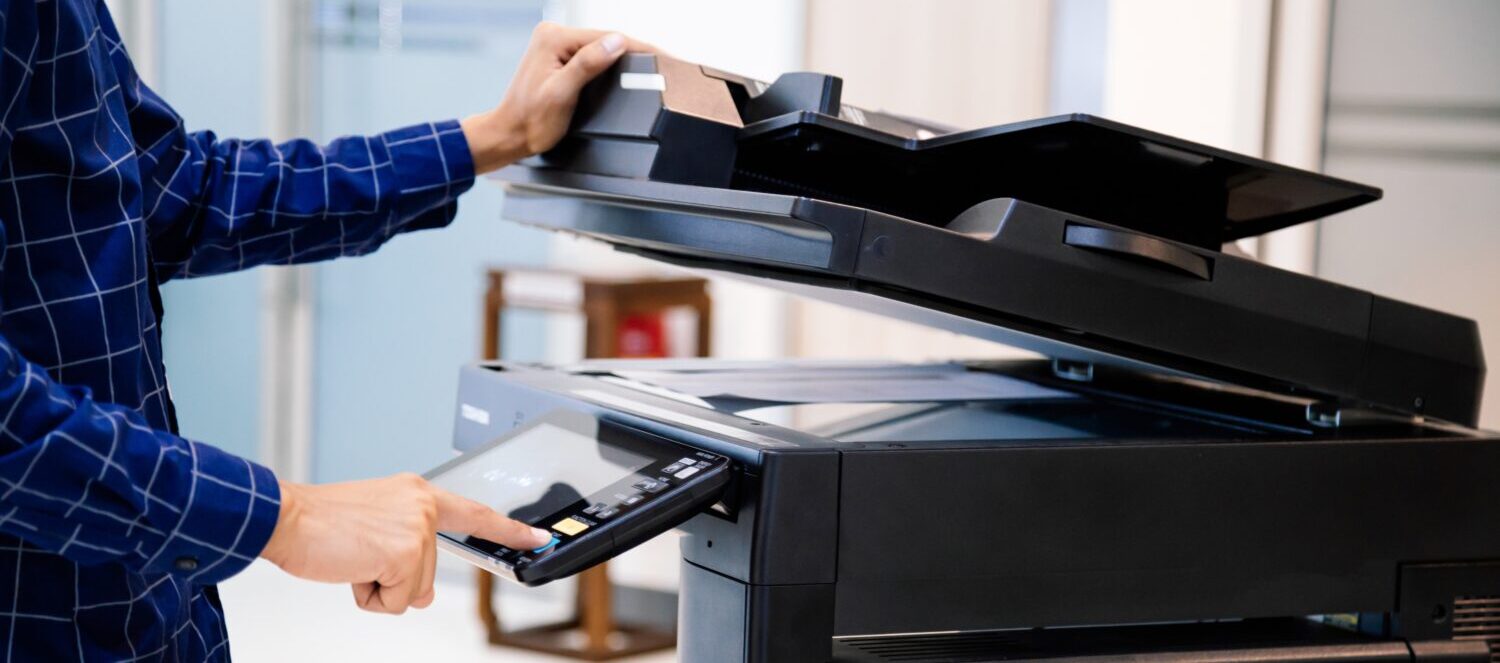
Smarter, Safer Ways to Move Information
UBT helps organizations improve document handling with secure scanning solutions that support compliance, reduce manual steps, and make it easier to route information where it needs to go.
Scanning is often one of the most overlooked parts of the document process. Files are emailed manually, saved inconsistently, routed to the wrong place, or handled differently from one team to the next. That creates delays, confusion, and unnecessary risk.
Secure scanning helps standardize the process.
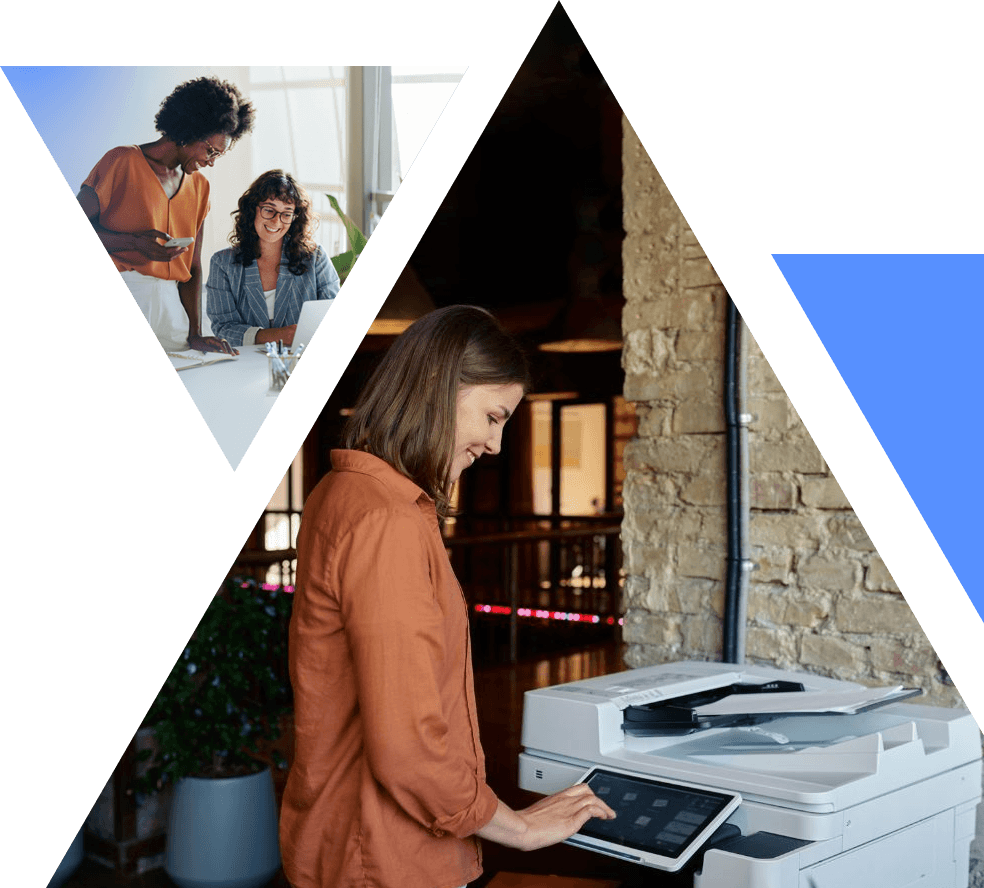

What Secure Scanning Can Help You Do

Route documents to the right destination more consistently
Reduce manual handling and repetitive steps
Improve security around digital document delivery
Support internal compliance processes
Make it easier for teams to access what they need

Common Secure Scanning Workflows

Scan to email
Scan to secure network folders
Scan to document management platforms
Scan to business systems and applications
Scan using predefined workflows by user or department

Why It Matters
When scanning is inconsistent, teams lose time and sensitive information is harder to control. Secure scanning helps create a more reliable process, reduces user error, and improves how documents move through your organization.
UBT helps you identify the right scanning workflows for your environment and pair them with the right equipment, software, and authentication tools. That means your users can scan more efficiently while your organization maintains better control over delivery, access, and consistency.

Simple Steps to Get Started
How It Works
Secure print solutions allow users to send jobs to the device, then release them only after authenticating at the machine.
That can include badge access, user credentials, passcodes, or other approved methods based on your environment. The result is a more controlled print process, better protection of sensitive information, and a more accountable user experience.

Benefits for Your Organization
Greater Consistency
Create repeatable workflows that reduce guesswork.
Better Security
Help protect information as it moves from paper to digital formats.
Less Administrative Friction
Reduce manual steps and simplify routine document tasks.
Better User Experience
Make it easier for teams to scan and send documents correctly the first time.
Get Started Now
Ready to Improve Scanning Workflows?
UBT can help you create a more secure, consistent, and manageable document process.
Frequently Asked Questions
Secure Scanning FAQs
What is the best way to scan documents securely?
The best approach is to control who can scan, where files can go, and how documents are named, routed, and stored once they leave the device.
How do I stop employees from sending scanned files to the wrong place?
Pre-set scan destinations and user permissions can help reduce manual mistakes. That is much safer than relying on people to type everything in every time.
What is secure scanning, exactly?
Secure scanning means protecting scanned documents through authentication, controlled destinations, and workflows that reduce human error and unauthorized sharing.
Why does secure scanning matter so much?
Scanned files often include contracts, financial records, HR paperwork, or customer information. One wrong destination can create a serious privacy problem.
Can secure scanning still be easy for staff to use?
Yes. The best secure scanning workflows make things simpler for the user while tightening control behind the scenes.
What are secure scan destinations?
They are approved locations such as specific folders, email addresses, document systems, or cloud platforms that users are allowed to send scans to.
Can secure scanning help with filing and searchability?
Yes. Many secure scanning workflows also include OCR, file naming rules, and routing logic that make documents easier to store and find later.
Which industries benefit most from secure scanning?
Legal, finance, education, government, nonprofit, and real estate organizations all benefit when they handle sensitive or high-volume documents.
How do I know if our scanning process is too risky?
If users type destinations manually, scans are often misfiled, or no one knows where documents are going, your current process may be too loose.
What is the biggest benefit of secure scanning?
The biggest benefit is more control. Documents get where they need to go faster, with less manual handling and less opportunity for mistakes.